

A breadcrumb trail shows where a page sits in a site, for example Books, then Science Fiction, then Award Winners. Google’s documentation, last updated in September 2026, explains how to mark it up so Search can use it. This guide applies that page to a blog.
What Google says breadcrumbs do
Google says a breadcrumb trail indicates the page’s position in the site hierarchy and may help users understand and explore a site. Google Search uses breadcrumb markup in the body of a page to categorise the information in search results. The documentation lists the feature as available on desktop in all regions and languages where Google Search is available. We covered the earlier change in breadcrumb feature availability.
The rules
Google states that these guidelines must be followed to be eligible to appear with breadcrumbs:
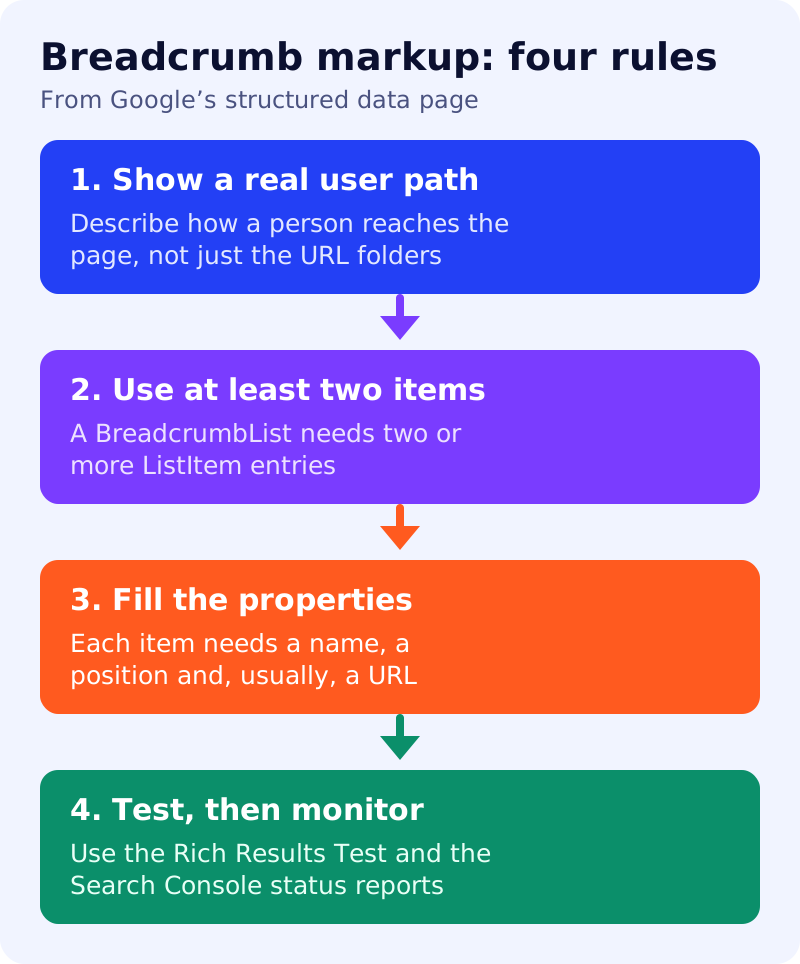
- Show a typical user path. Google recommends breadcrumbs that represent a typical path to the page, instead of mirroring the URL structure.
- At least two items. A
BreadcrumbListmust contain at least twoListItementries. - Top level and page itself are optional. You do not need an item for the domain, or for the page itself.
- Do not use old markup. Data-vocabulary.org markup is no longer eligible for Google rich result features.
- Follow the general guidelines. If markup breaks Google’s structured data guidelines, the site may receive a manual action.
Properties
BreadcrumbList requires itemListElement, an ordered array of ListItem entries. Each ListItem needs name (the title shown to the user) and position (1 for the start of the trail). It also needs item, the URL of the page, with one exception: for the last item in the trail, item is not required, and Google uses the URL of the containing page.
A JSON-LD example for a blog post
This example is adapted from the pattern in Google’s documentation, using a blog structure of Home, Category and the post. Replace the names and URLs with your own.
<script type="application/ld+json">
{
  "@context": "https://schema.org",
  "@type": "BreadcrumbList",
  "itemListElement": [
    { "@type": "ListItem", "position": 1,
      "name": "Blog", "item": "https://example.com/blog/" },
    { "@type": "ListItem", "position": 2,
      "name": "SEO", "item": "https://example.com/blog/seo/" },
    { "@type": "ListItem", "position": 3,
      "name": "Breadcrumb markup" }
  ]
}
</script>
Google supports JSON-LD, RDFa and Microdata, and the visible page should also show the trail to readers. If a post can be reached through several categories, Google allows multiple breadcrumb trails on one page.
Test and monitor
Google’s process is to validate with the Rich Results Test, deploy a few pages, and check them with the URL Inspection tool. After indexing, use the rich result status report in Search Console to watch for valid and invalid items, especially after a template change. Allow several days for recrawling.
What to do
- Decide the trail a reader would actually follow to reach each post.
- Add JSON-LD with at least two items, using the example above.
- Match the visible breadcrumb on the page to the markup.
- Run the Rich Results Test on one post, then URL Inspection.
- Watch the Search Console report after the next template change.
For related structured data guidance, see how Google chooses your title link.
Source: Google Search Central documentation, as linked above.