

Recipes are among the most copied content on the web, which makes originality the main way to stand out. Google’s documentation explains both the markup and the quality bar.
Use recipe markup
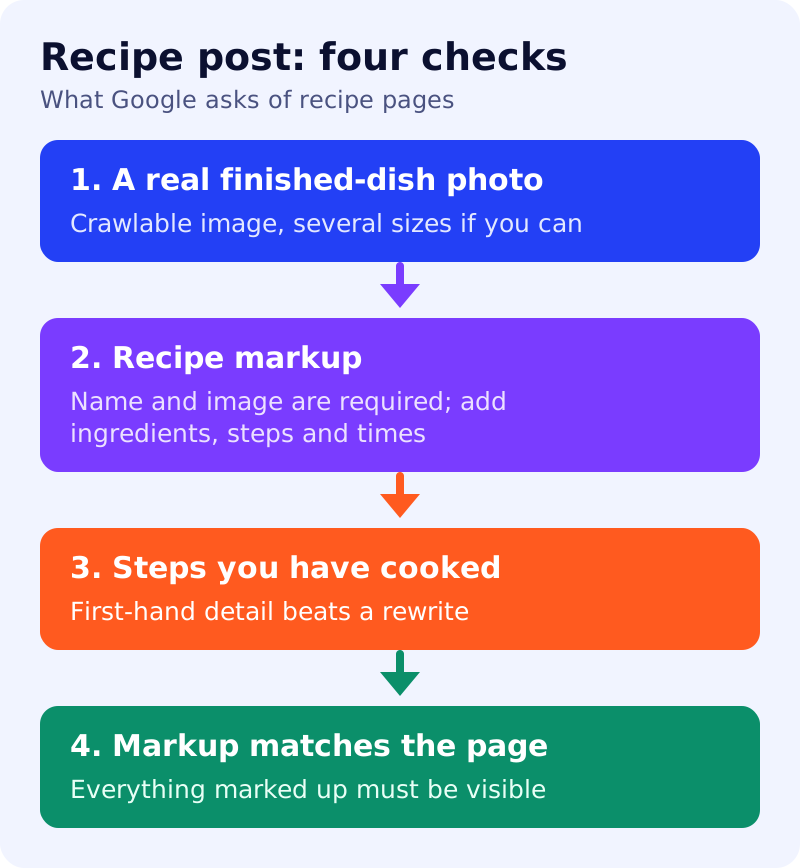
Google says recipe structured data helps it understand a recipe and present it in more interesting ways, and that recipes can appear in Google Search results and Google Images. Two properties are required: name and image. Google recommends many more, including recipeIngredient, recipeInstructions, prepTime, cookTime, totalTime, recipeYield, recipeCategory, recipeCuisine, aggregateRating, author and datePublished. If you have a gallery of recipes, Google describes a host carousel using ItemList markup.
Photograph the finished dish
The image should show the completed dish. Google says image URLs must be crawlable and indexable, and recommends multiple high-resolution images (at least 50K pixels, width times height) in 16x9, 4x3 and 1x1 ratios.
Write what only a cook would know
Google’s helpful content guidance asks for original information and first-hand expertise, such as having actually used a product. For a recipe, that means noting why a step matters, what went wrong in testing, what substitutions worked, and how long it really took. Avoid summarising other recipes.
Keep markup and page in step
Everything in your markup should match what readers see. For AI features, Google says no special schema is required and a page must be indexed and eligible for a snippet.
What to do
- Test the recipe and keep notes and photos from your own kitchen.
- Add recipe markup with name, image, ingredients, steps and times.
- Provide several image sizes of the finished dish.
- Show a real author and a short note on how you tested.
- Put the quick answer first: time, yield and ingredients, then the story. See answer-first pages.
- Validate with Google’s Rich Results Test.
Sources: Google Search Central documentation, as linked above.