

When a page must disappear from Google, speed and permanence are separate problems. Google’s removal page (last updated 10 December 2025 as we read it) shows which tool solves which.
Best for: SEO leads, legal and privacy teams, and developers asked to “take it down”.
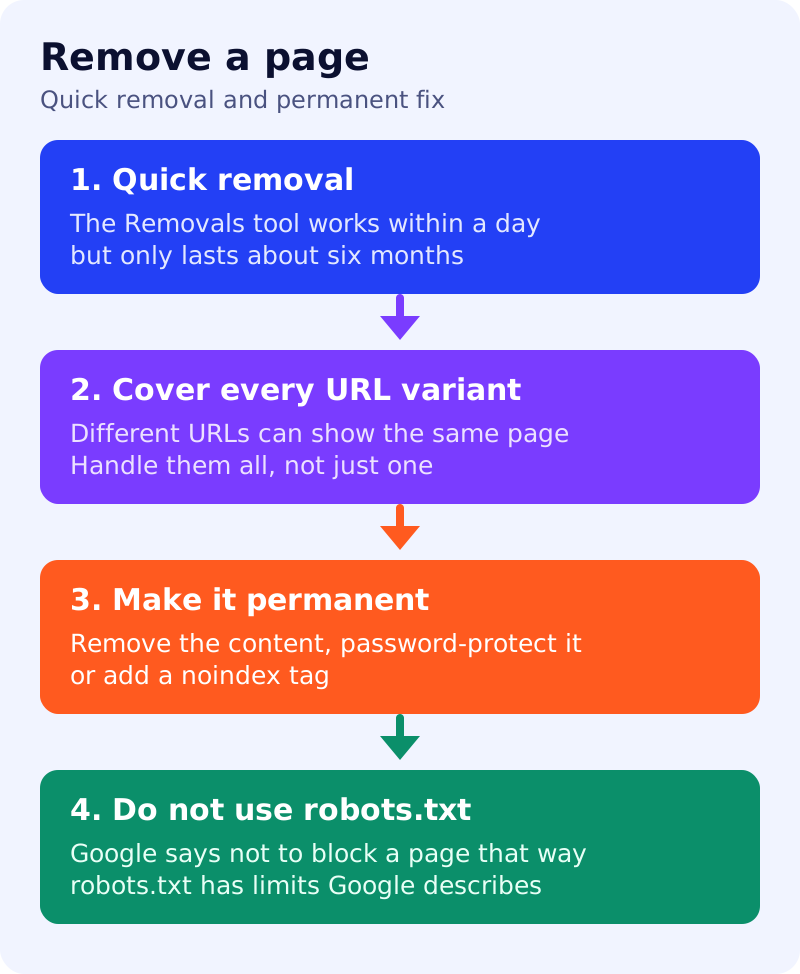
What Google says
- For quick removals, use the Removals tool to remove a page you host from search results within a day.
- Protect or remove all variations of the URL. Different URLs can point to the same page, for example
/puppies,/PUPPIESand/petchooser?pet=puppies. - Removals tool requests last about six months. For a permanent block, take one of these actions:
- Remove or update the content. This is the most secure option, including against search engines that might not respect noindex, and it stops other people accessing the page.
- Password-protect the page. This lets the right users in and keeps Googlebot and other crawlers out.
- Add a
noindextag. It only blocks the page from Google results. Users and search engines that do not support noindex can still reach the page.
- Do not use robots.txt to block a page you want removed.
- For other Google properties such as Shopping, Business Profile or knowledge panels, use those products’ own tools. For pages you do not own, Google points to its personal information removal help.
Decision table
| Situation | Do first | Then |
|---|---|---|
| Sensitive page live right now | Removals tool request | Remove or protect the page |
| Page should never be public | Remove it, or password-protect it | Request removal for speed |
| Page should exist, but not in Google | noindex | Keep it crawlable so Google sees the tag |
| Page also exists on other URLs | Handle every variant | Check parameters and capitalisation |
| Page is not yours | Use Google’s personal information removal process | Do not use the site owner tools |
What to do: runbook
| Step | Owner | Time | How to check | Done when |
|---|---|---|---|---|
| 1. List every URL variant | SEO | 30 min | Parameters, case, trailing slash, mobile and print versions | A complete list exists |
| 2. Request temporary removal | SEO | 15 min | Removals tool entry for each | Requests show as submitted |
| 3. Apply the permanent fix | Developer | 1 hour | Content removed, or login required, or noindex added | The live page shows the fix |
| 4. Confirm what Google sees | SEO | 20 min | URL Inspection for the main URL | noindex detected, or page not found |
| 5. Check robots.txt | Developer | 10 min | The page is not blocked there | No block on a noindex page |
| 6. Diary the six-month point | SEO | 5 min | A calendar entry | A reminder is set |
Common mistakes
- Using the Removals tool alone, then forgetting the six-month limit.
- Blocking in robots.txt and adding noindex. See noindex vs robots.txt.
- Fixing one URL and leaving its variants.
- Relying on noindex for private files. Google says password protection or removal is safer.
Related: control what you share. We did not test the Removals tool for this post.