

Course pages often fail for a simple reason: the markup was added to something that is not a course, or to a single course. Google’s course list documentation (last updated 8 September 2026 as we read it) is specific about both.
Best for: colleges, training providers and online academies.
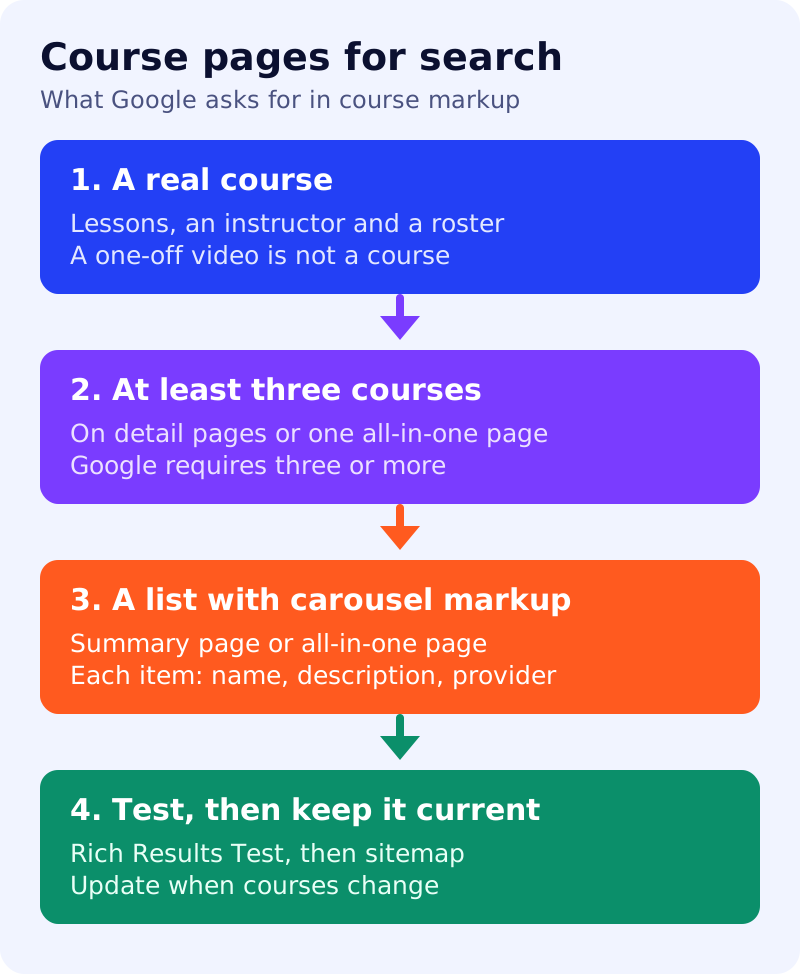
What Google says
- Use Course markup only for a series or unit of curriculum with lectures, lessons or modules, an explicit educational outcome, and one or more instructors with a roster of students. Google gives “Astronomy Day” and a two-minute how-to video as examples of what is not a course.
- You must mark up at least three courses, either on separate detail pages or on one all-in-one page.
- A summary page or all-in-one page must carry carousel markup (an ItemList).
- Google’s examples give each course a name, a description and a provider.
- The course list result is available in English in all regions where Google Search is available.
- Breaking these guidelines can lead to a manual action.
Google’s generative AI guide (updated 10 July 2026) says no special markup is needed for AI features. Our view: the markup is worth adding for Search, but the page itself should still answer what an AI answer needs: who the course is for, what it covers, how long it runs, what it costs and how to enrol.
A four-step test
- Is it a course? Does it have lessons, an instructor and learners? If not, remove the markup.
- Are there three? If you have two courses, do not add course list markup yet.
- Is there a list? Put the ItemList on a summary page that links to each detail page.
- Do the facts match? Name, description and provider in the markup must match the page.
A worked example (made-up)
An academy has one page with “Data Analytics Bootcamp” and nothing else. Fail at step 2. A better structure: three detail pages (SQL basics, Excel for analysts, Dashboards), a summary page listing all three, and a plain table on each page: duration, prerequisites, fee, start date.
What to do
- List your courses and remove anything that is not curriculum.
- Build the summary page and add the list markup.
- Validate with the Rich Results Test and check the Course list section.
- Submit a sitemap and update it when courses change.
- Add first-hand proof: instructor bio, a sample lesson, outcomes you can document. See first-hand evidence.