

When someone searches for a car dealership, they land on its Google Business Profile: the address, hours, phone number and reviews. Google is now testing a new section on that profile that shows the dealership’s car inventory, the cars it has for sale right now.
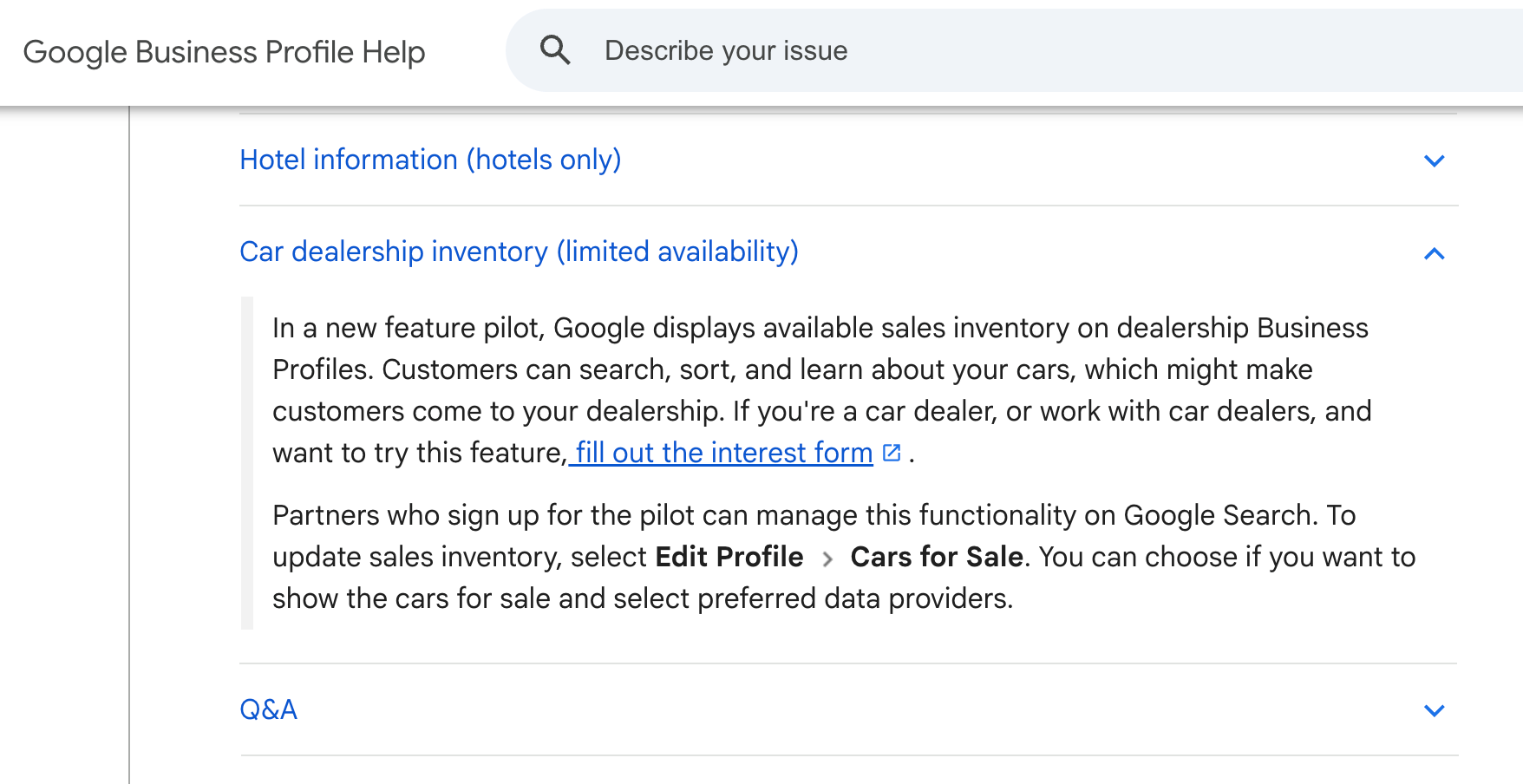
Source: Google Business Profile Help, Car dealership inventory (limited availability).
What Google says
The help page calls it a new feature pilot. Google displays available sales inventory on dealership Business Profiles. Customers can search, sort and learn about the cars, which might make them come to the dealership.
A dealer, or anyone who works with dealers, can ask to try it by filling out an interest form. Partners who join the pilot manage it on Google Search. To update the inventory, they choose Edit Profile, then Cars for Sale. There they can choose whether to show the cars for sale and select preferred data providers.
The page lists it as “limited availability”. Google does not say how many dealerships are in the pilot or when it will open to everyone.
How it helps car buyers
- They see what is on the lot before they go. No calling to ask whether a model is in stock.
- They can search and sort. Narrowing by what matters to them is faster than scrolling a dealer’s website.
- It happens in the place they already looked. They found the dealership on Google, and the cars are right there.
How it helps dealerships
- Your stock sits on the page people see first. A shopper checking your reviews and hours can also see your cars.
- More of the visits are people who want a specific car. In my view, someone who has already found a car they like is a better visitor than someone who only knows your name.
- You stay in control. You choose whether to show the cars, and which data providers supply them.
The one thing that can go wrong
In my view, the risk is out-of-date stock. If a car shows on the profile and it was sold last week, the shopper’s trip is wasted and they will remember it. This feature is only as good as the inventory data behind it.
What to do
- Fill out the interest form on Google’s help page if you are a dealer, or if you work with dealers.
- Ask your website or inventory provider whether they are one of the data providers offered under Cars for Sale.
- Once you are in, go to Edit Profile, then Cars for Sale, and choose to show your cars and pick your provider.
- Keep it current. Remove sold cars and fix prices quickly. That is my advice, not Google’s rule.
- Keep the rest of the profile strong. Photos, hours, reviews and answers still decide who gets chosen. See what drives local ranking.
- Track the visits. Add tracking to your profile’s website link and watch what happens in analytics.
This is a pilot, so what you see and when you see it may differ from dealer to dealer.