

Shopping results, AI answers and product snippets all depend on the same thing: clear, current facts about a product. Google’s merchant listing documentation (last updated 8 September 2026 as we read it) lists the technical rules.
Best for: ecommerce managers, SEO teams and developers who own product pages.
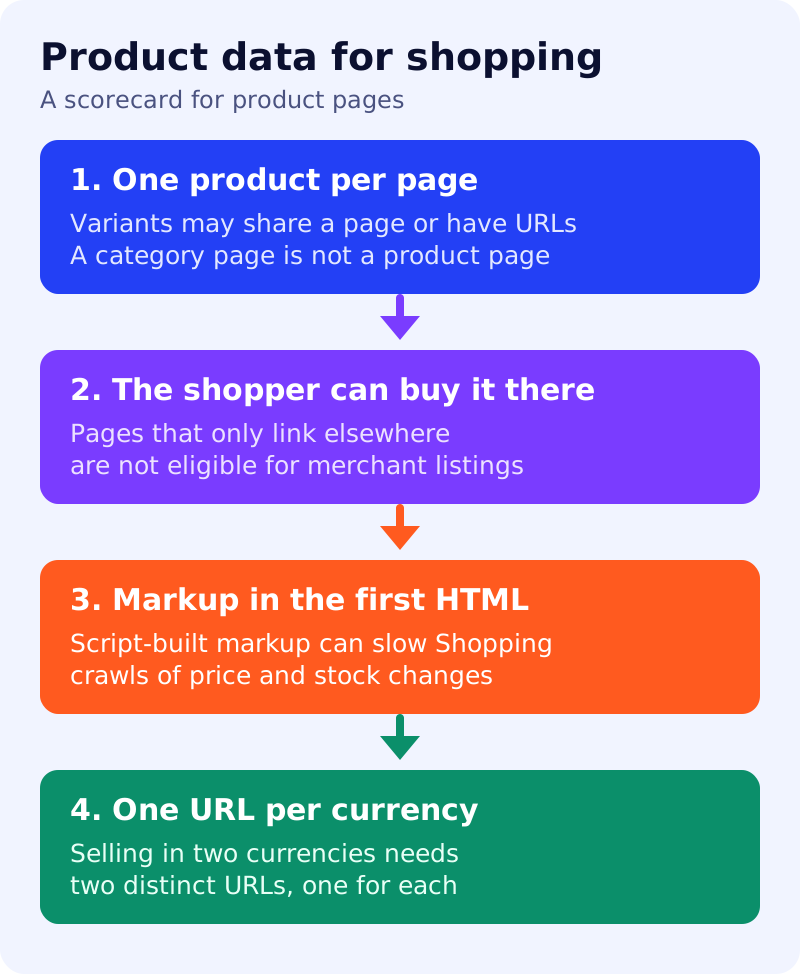
What Google says
- Only pages where a shopper can purchase a product are eligible for merchant listings, not pages that link to other sites selling it.
- Product markup supports pages that focus on a single product or variants of the same product. “Shoes in our shop” is not a specific product. Google recommends adding markup to product pages rather than category or list pages.
- Product variants with distinct URLs are supported.
- If you sell in several currencies, use a distinct URL per currency.
- Google may attempt to verify merchant listing product data before showing it.
- For best results, put Product structured data in the initial HTML. Markup generated with JavaScript can make Shopping crawls less frequent and less reliable, which matters for fast-changing price and availability, and your server must handle the extra crawl load.
- Google’s examples include
image,sku,brandand an offer withprice,priceCurrency,priceValidUntilandavailability. - Google’s AI features guide asks you to check that Merchant Center and Business Profile information is up to date.
What to do: scorecard and steps
| Step | Owner | Time | How to check | Done when |
|---|---|---|---|---|
| 1. Sample 20 product URLs | Ecommerce | 30 min | Random sample across categories | List saved |
| 2. One product per page | Ecommerce | 30 min | Does the page sell one product or its variants? | No list pages carry Product markup |
| 3. Buyable on the page | Ecommerce | 20 min | Is there an add-to-cart on this URL? | No redirect-only pages remain |
| 4. Markup in the first HTML | Developer | 45 min | View source, not inspect element | Price and availability are in the source |
| 5. One URL per currency | Developer | 30 min | Compare currency switchers | Each currency has its own URL |
| 6. Match price and stock | Ops | 45 min | Compare page, markup and Merchant Center | No mismatch on the sample |
| 7. Fix, then re-sample | Team lead | Monthly | Repeat steps 1 to 6 | All 20 sampled pages score 3 or 4, or a dated fix plan exists |
Score each page from 0 to 4
One point each for: single product, buyable here, markup in the first HTML, correct currency URL. A page passes with 3 or 4. Fewer than 3 means fix it before anything else. This is our own scoring, not Google’s.
Common mistakes
- Marking up a category page as a Product.
- Letting price and availability in markup drift from the visible page.
- Building the markup with a script and ignoring crawl load.
For context, see Google’s universal cart and the AI features checklist. Results are not guaranteed.