

Advertisers keep asking whether their campaigns can appear inside Google’s AI answers. The honest answer is partly “yes”, partly “it depends”, and partly “sources disagree”. We could not open Google Ads Help directly, so this article draws on search-result excerpts of Google’s page and on industry reports. Check Google’s current help pages before changing an account.
AI Overviews
Google’s Ads Help page on AI Overviews, as quoted in search results, says Search and Shopping ads from existing Search, Shopping and Performance Max campaigns that can win the auction and address both the query and the information in the AI Overview are automatically eligible. The page is more than a year old, so details may have changed.
AI Mode
Several industry reports say Performance Max and AI Max for Search are the campaign types that can serve ads in AI Mode, and that standard Search, Display and Video campaigns do not currently qualify. One report adds that Google has signalled broader eligibility later in 2026. Another lists broad-match Search with AI Max and Shopping as eligible. Treat the list as unsettled.
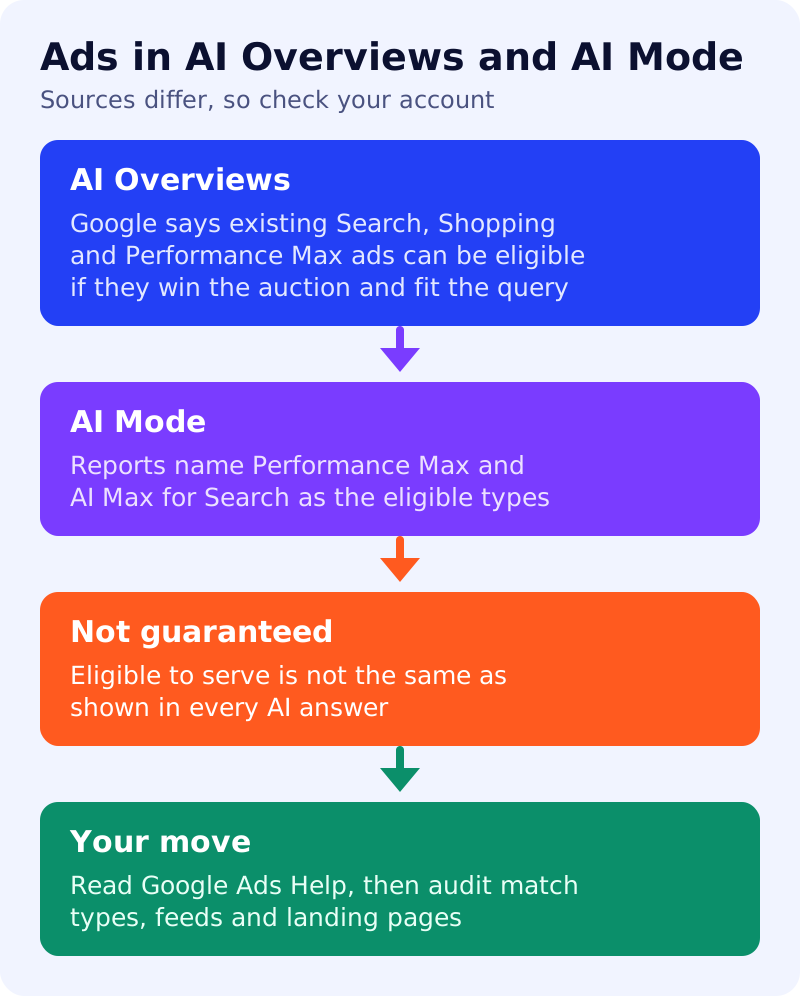
Where sources disagree
- Match types: one comparison says exact and phrase match campaigns can appear above or below an AI Overview but not inside it, while broad match and AI Max can. Another says exact and phrase only campaigns are not eligible.
- AI Max as a requirement: a recent post says AI Max is not required for AI Overviews today, but that Google ties newer AI Mode features to it.
- Measurement: reports describe difficulty separating AI placements in reporting. We have not seen Google confirm a dedicated breakout.
What to do
- Read Google Ads Help for AI Overviews and AI Mode, and note the date on each page.
- List your campaign types and match types against the current eligibility rules.
- Test AI Max or broad match only where it fits your goals and negative keywords. Do not switch on features just to chase a placement.
- Fix your feeds and landing pages. Ads still need relevant, accurate pages.
- Set a measurement plan before expecting clear AI-specific numbers.
- Remember organic. See how to be found in AI Mode.
Sources: Google Ads Help (as quoted in search results) and the industry reports linked above.