

When a shopper asks an AI tool which product to buy, the answer depends on product facts: price, stock, shipping, returns and reviews. For a store, answer engine optimisation (AEO) therefore starts with clean product data. Google’s own documentation explains how to supply it.
Two ways to give Google product data
Google’s product documentation says you can provide data to Google Search by adding Product structured data to your pages, by uploading a feed to Google Merchant Center, or both. It states that providing both maximises your eligibility for shopping experiences and helps Google correctly understand and verify your data.
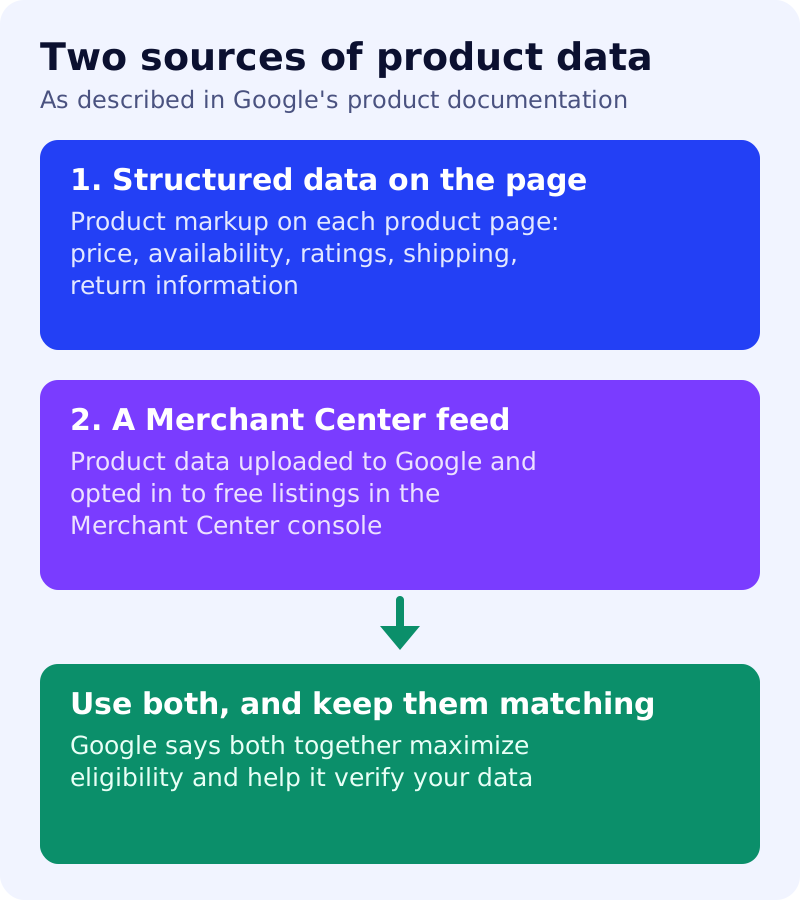
Google also notes that some experiences combine the two. For example, product snippets may use pricing from your merchant feed if it is not present in the structured data on the page.
Choose the right markup
Google describes two main classes of product markup:
- Product snippets are for pages where people cannot buy directly, such as editorial reviews.
- Merchant listings are for pages where customers can buy from you. They support details such as shipping, return policy and apparel sizing.
Google adds that the more properties you can supply, the more enhancements a page can be eligible for. If you sell variants, such as sizes or colours, Google says product variant markup helps it understand which items belong to the same parent product. For business-wide policies, it recommends return policy and loyalty programme markup nested under Organization markup.
What Google says about AI features
Google’s guide to AI features says there are no additional requirements to appear in AI Overviews or AI Mode, and no special schema.org markup is needed. It does list two practical points for stores: make sure your structured data matches the visible text on the page, and check that your Merchant Center and Business Profile information is up to date.
Where Universal Cart fits
Google’s Universal Cart is a separate programme. Reports say merchants must implement Google’s Universal Commerce Protocol, submit an interest form and be selected by Google. We have not seen Google say that clean product data is enough to join it. Still, accurate prices and stock matter there too, because the cart shows alerts that depend on them.
What to do
- Match the page to the feed. Prices, availability and shipping should agree in your markup, your feed and the visible page.
- Use merchant listing markup on pages where shoppers can buy, and add variant markup if you sell options.
- Add return policy information under your Organization markup.
- Review Merchant Center regularly, especially after price or stock changes.
- Do not add AI-specific files or schema. Google says none are needed.
Sources: Google Search Central documentation, as linked above. Features and eligibility can change, so check Google’s pages before you build.